 Leocare
Get insured from
your smartphone
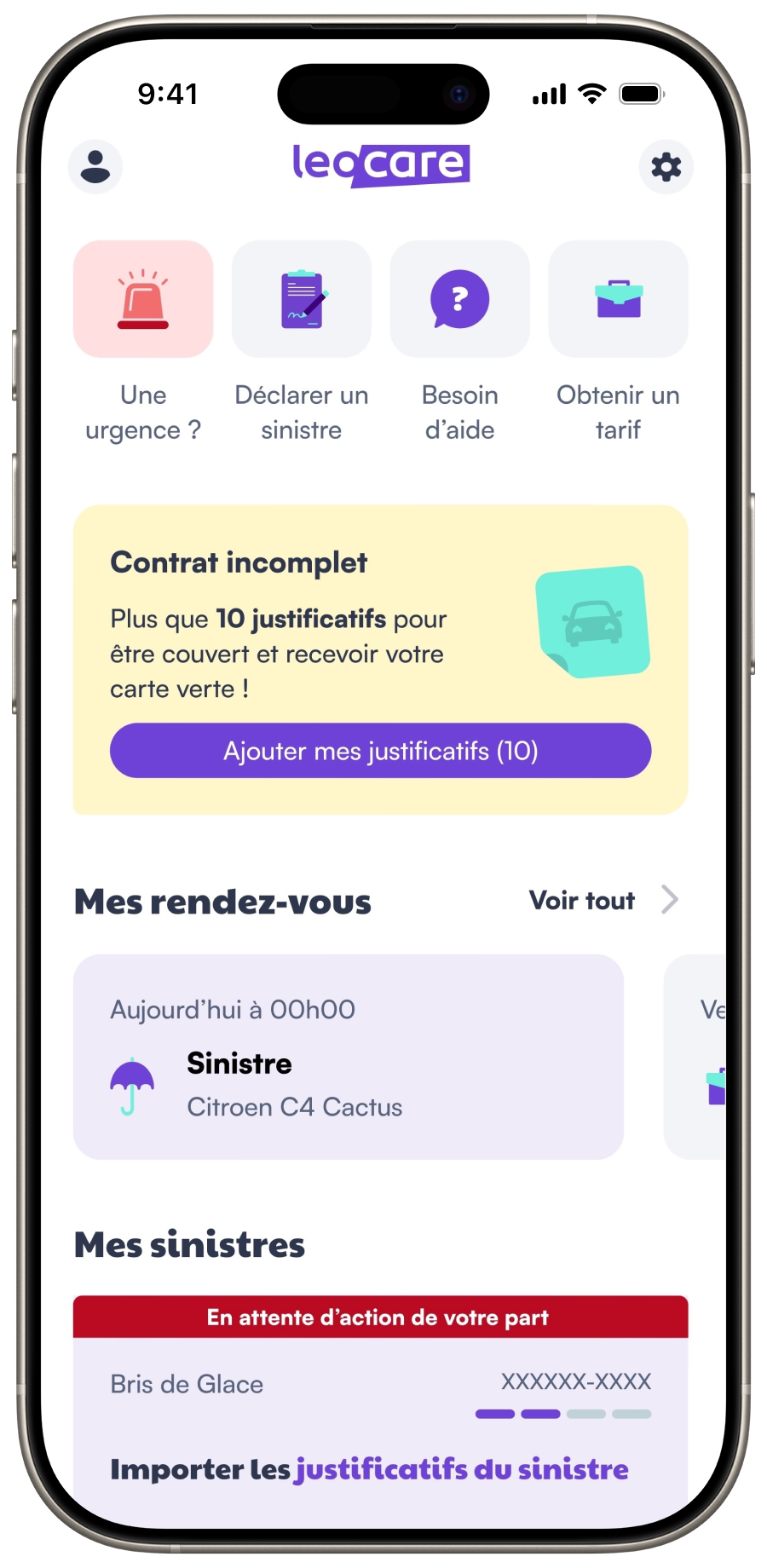
For 6 months, I worked as an intern on the iOS development team at Leocare, a French insurtech company that offers a 100% digital insurance solution. The iOS application, along with the Android one, is the main way for customers to interact with their contracts, claims, and other services.
UIKit Frameworkfor smooth UI
Modular Architecturefor scalable features
Coordinator Patternto manage navigation
Localized Stringsfor an international audience
Event Analyticsto track users behavior
Framework
UIKit
The Leocare iOS application is mainly built using the UIKit framework. At least 90% of the entire application uses UIKit instead of SwiftUI. The views and components are programmatically written in Swift, and does not use storyboards.
My work
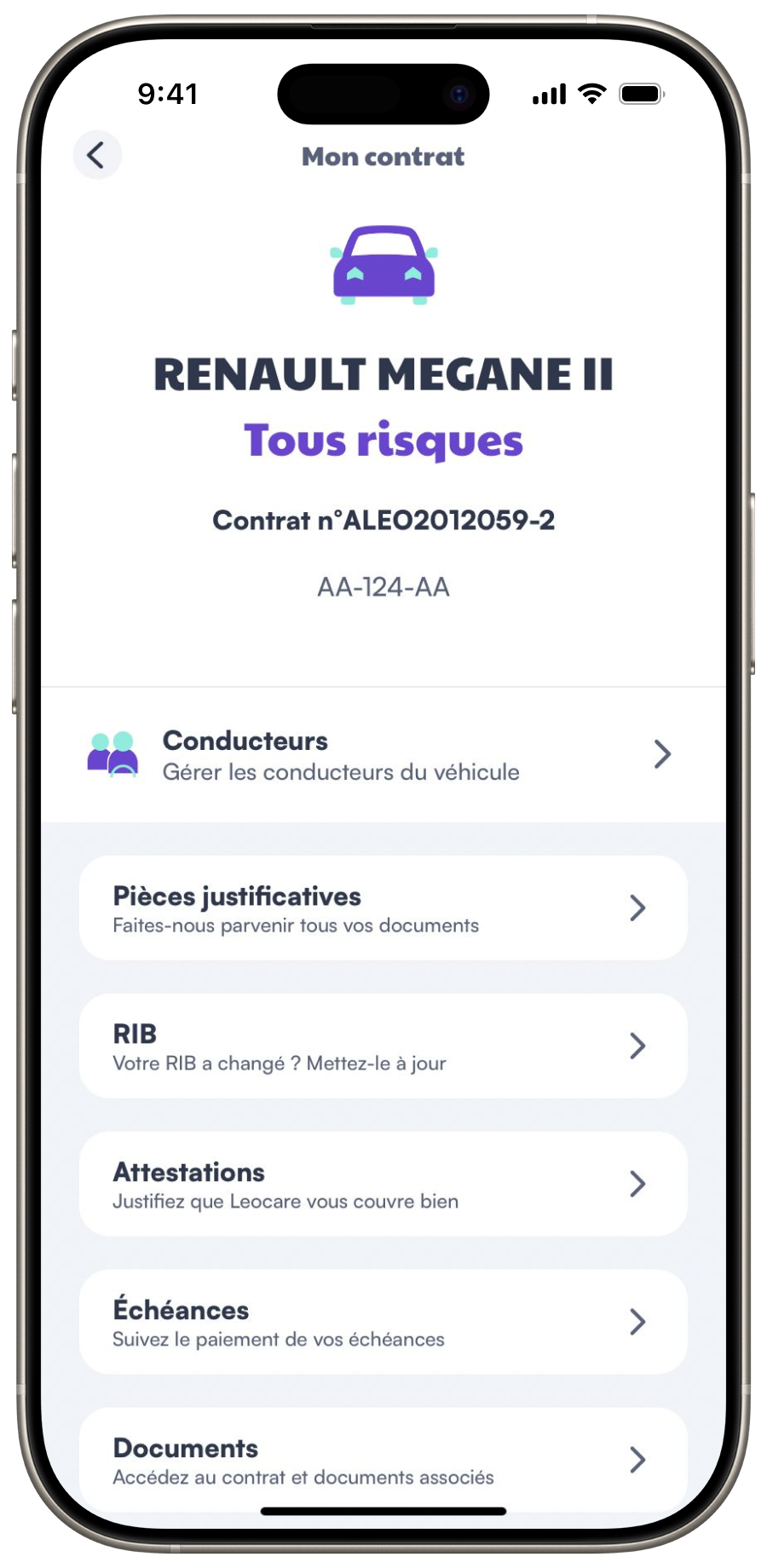
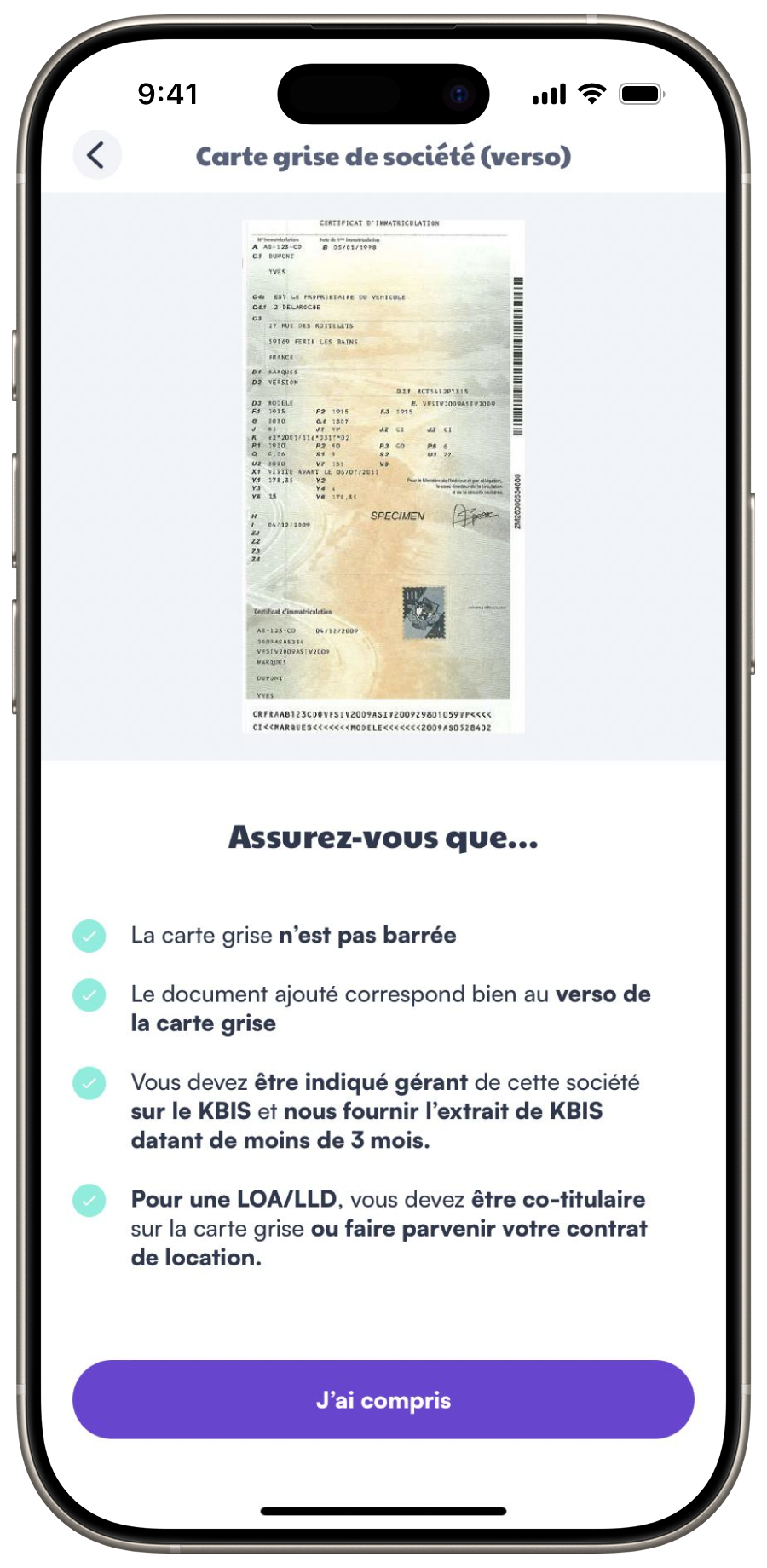
I've worked on creating and upgrading journey screens for customers. Allowing them to autonomously manage their contracts, claims and documents.
In partnership with an AI Powered Vehicle Inspection company, I've worked on a proof-of-concept to evaluate a vehicle damages from pictures, using AI.
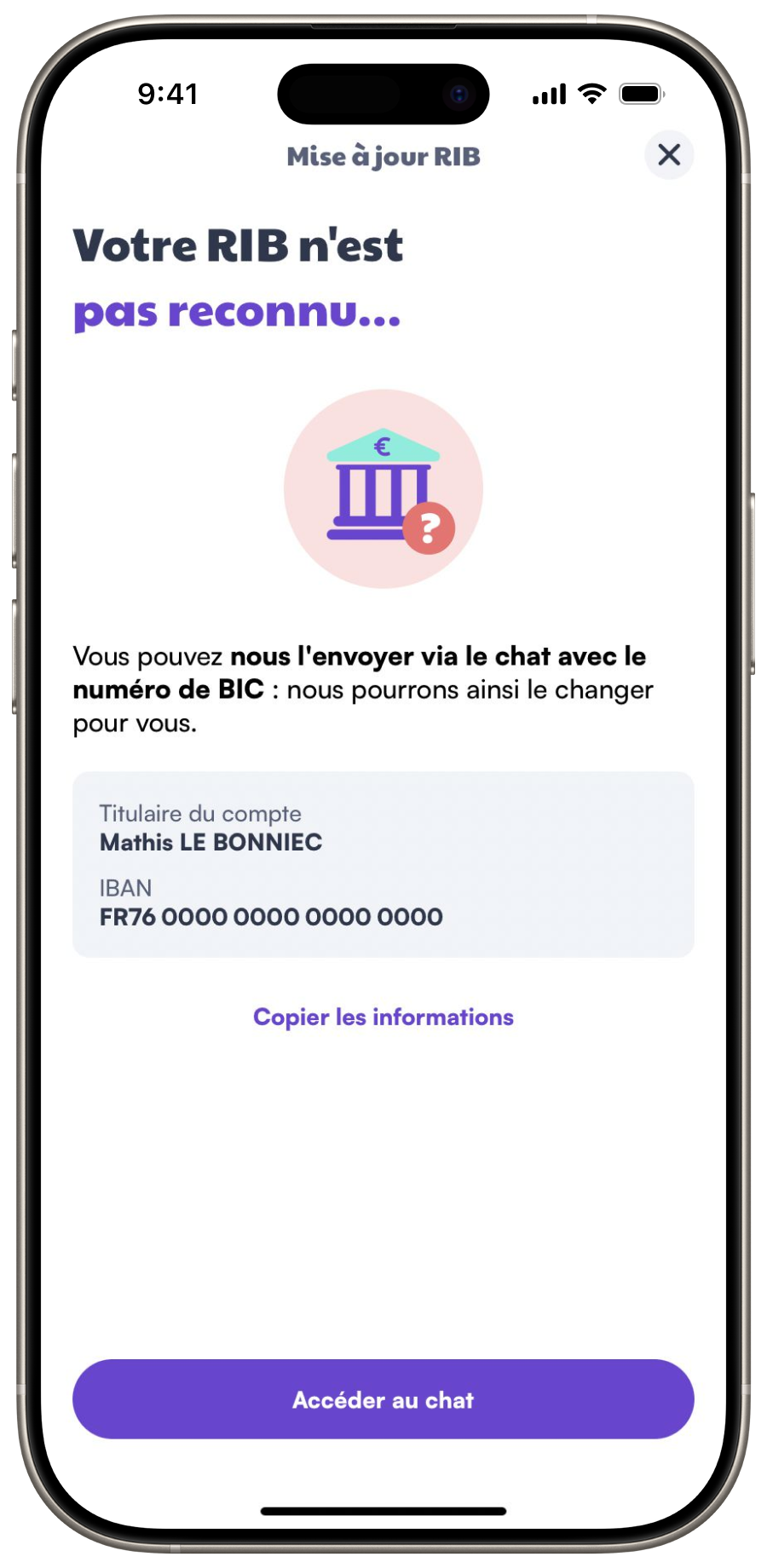
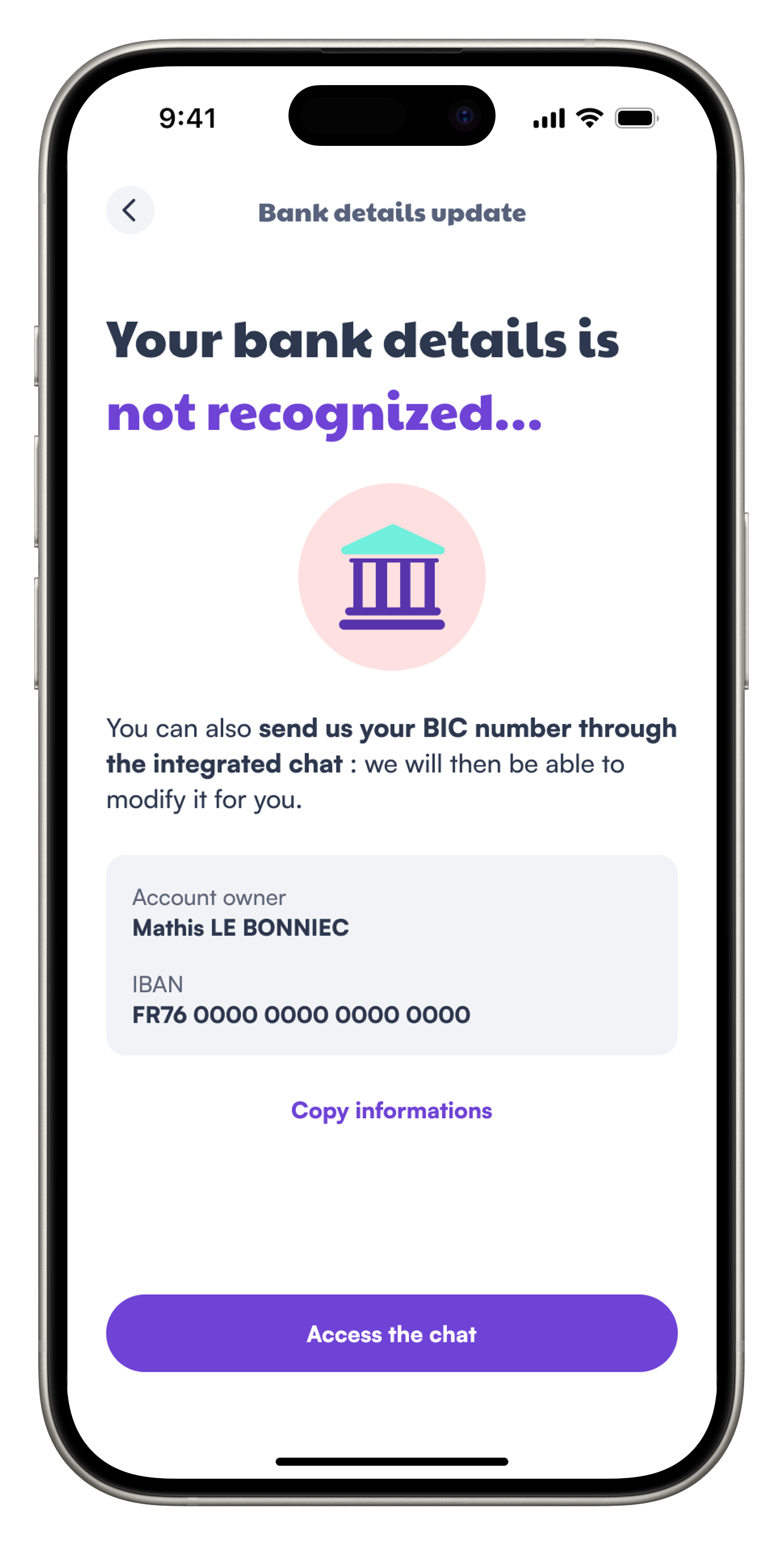
I've also worked on some more technical parts of the application. From securing passwords update, to improving debug menus.
Adding new screens to the claims journey
Claims
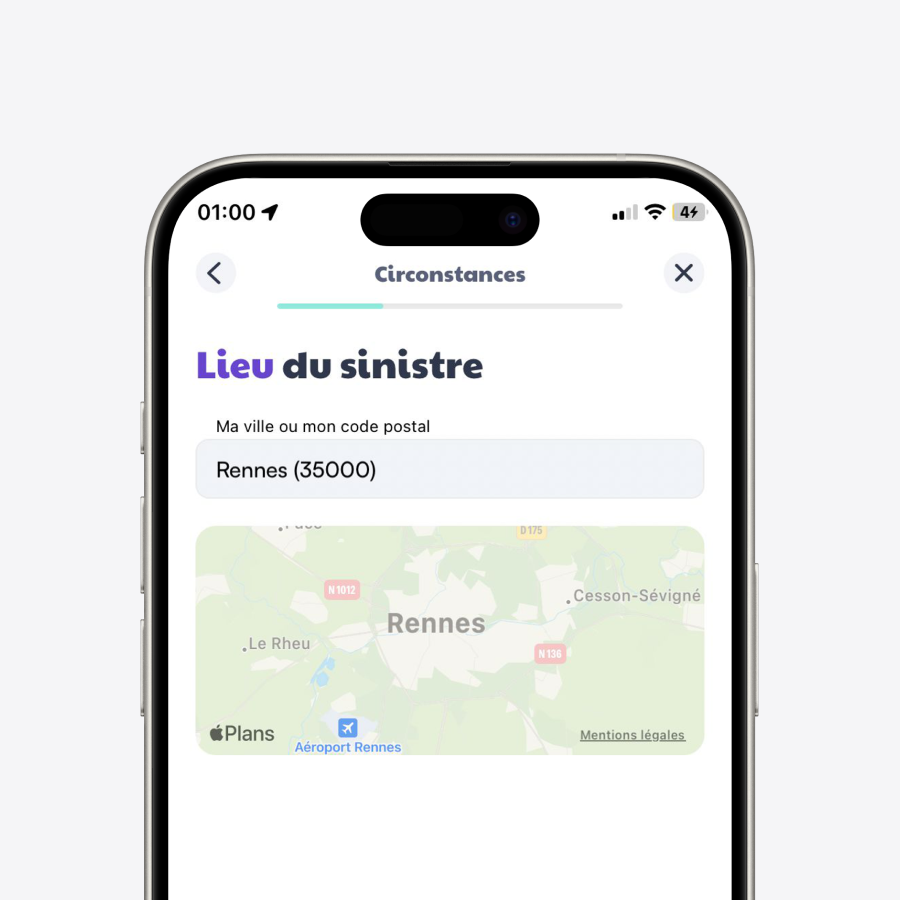
Location
The location of the incident is a key part of the claim process. We designed a new screen to allow customers to specify the city.
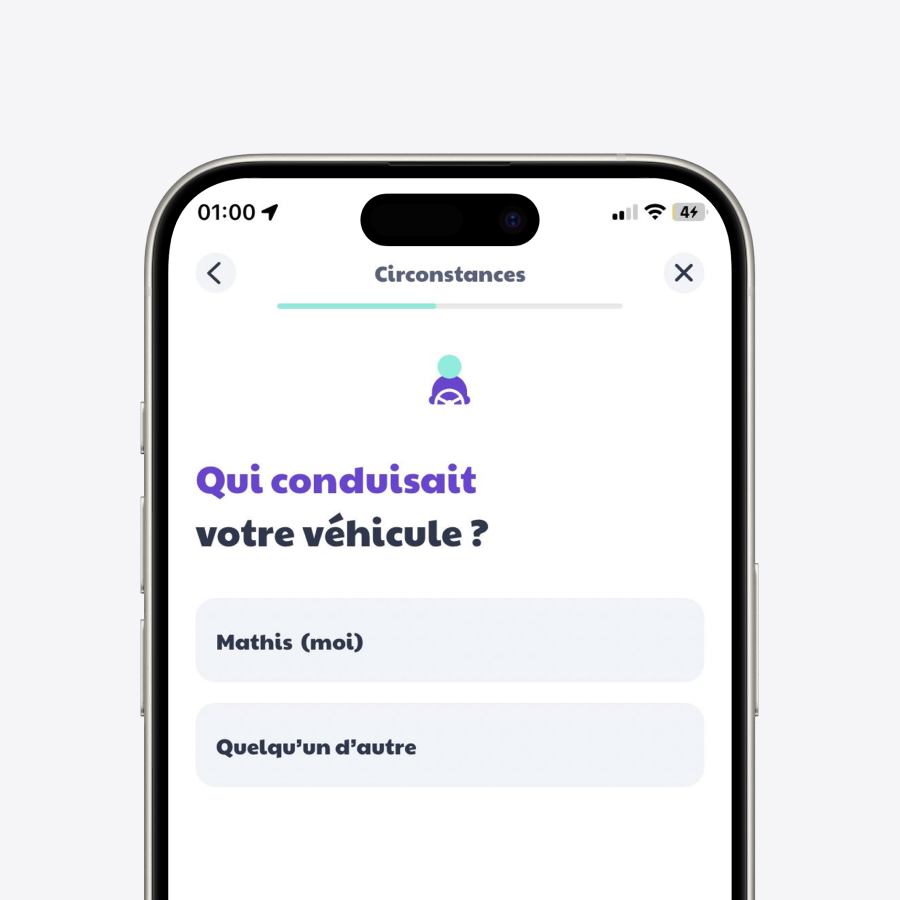
Driver Selection
In the event of a car claim, the driver needs to be selected among the main driver, secondary driver, or a someone else.
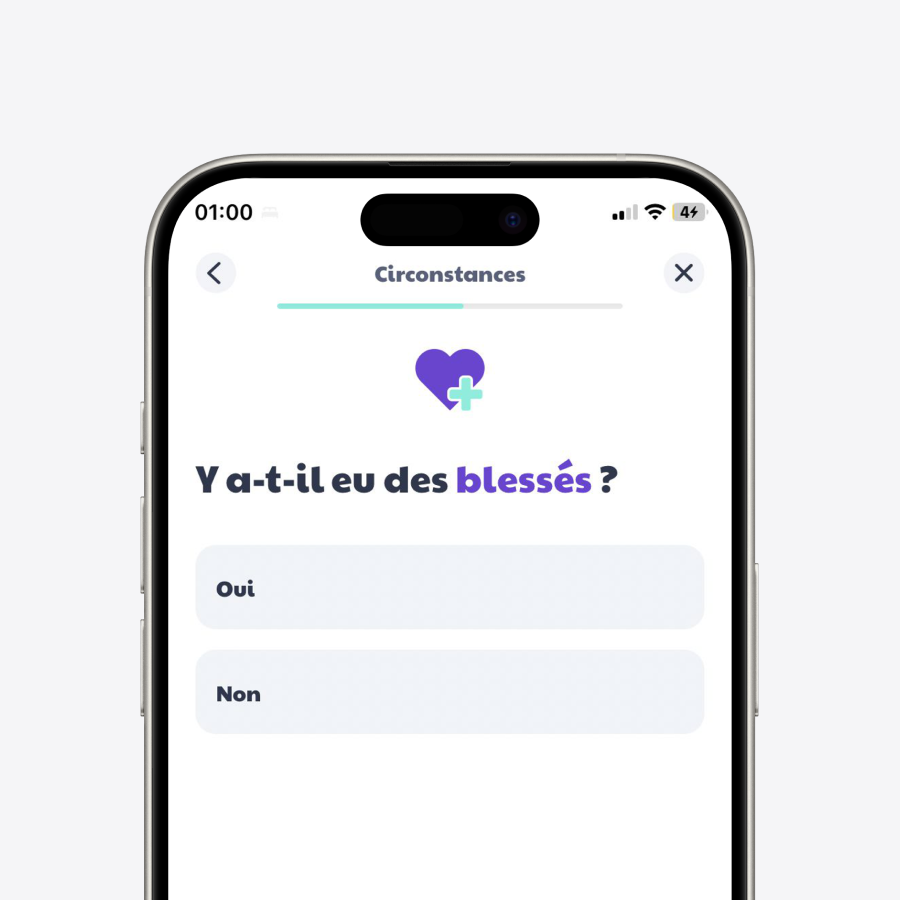
Injuries
Knowing if the customer or the other party is injured is important to assess the claim. We designed this screen to allow customers to specify if there was an injury.
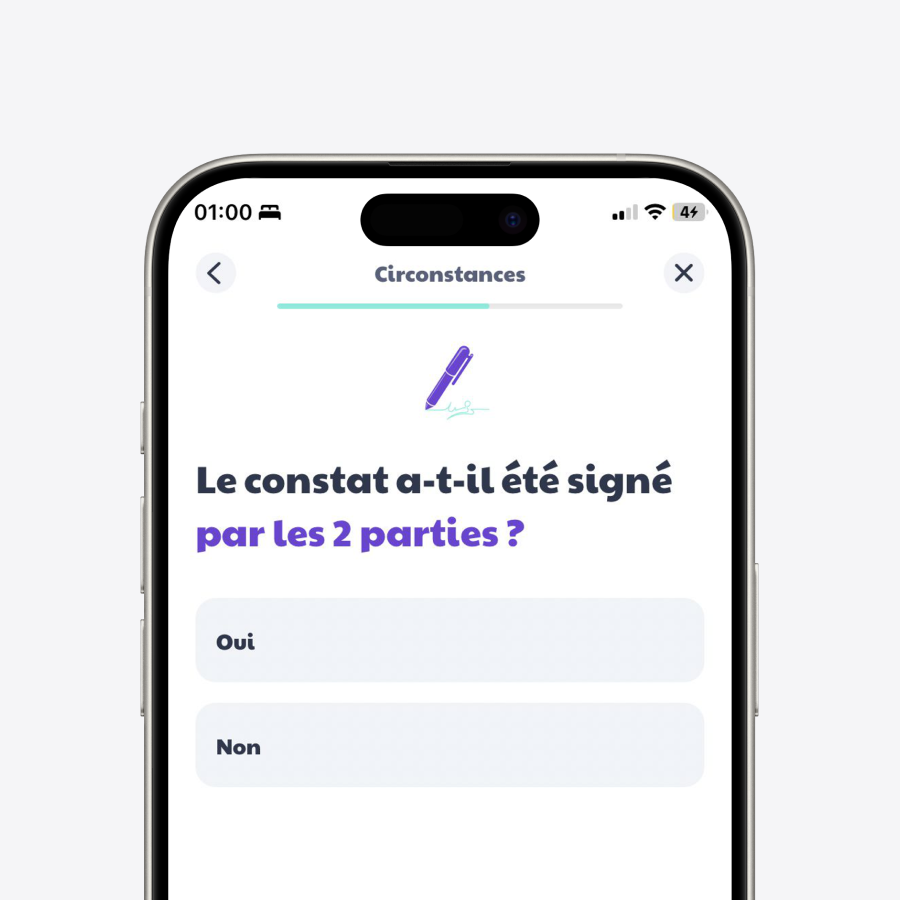
Report
A new screen has been added to allow customers to specify if an accident report has been filed.
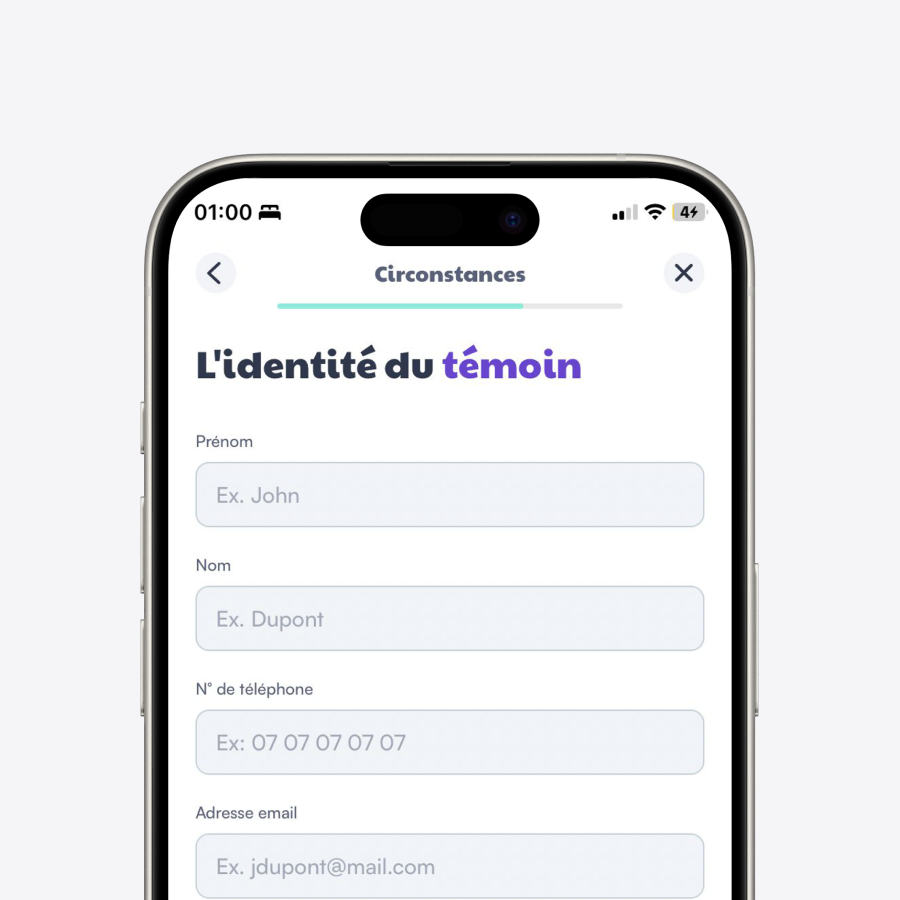
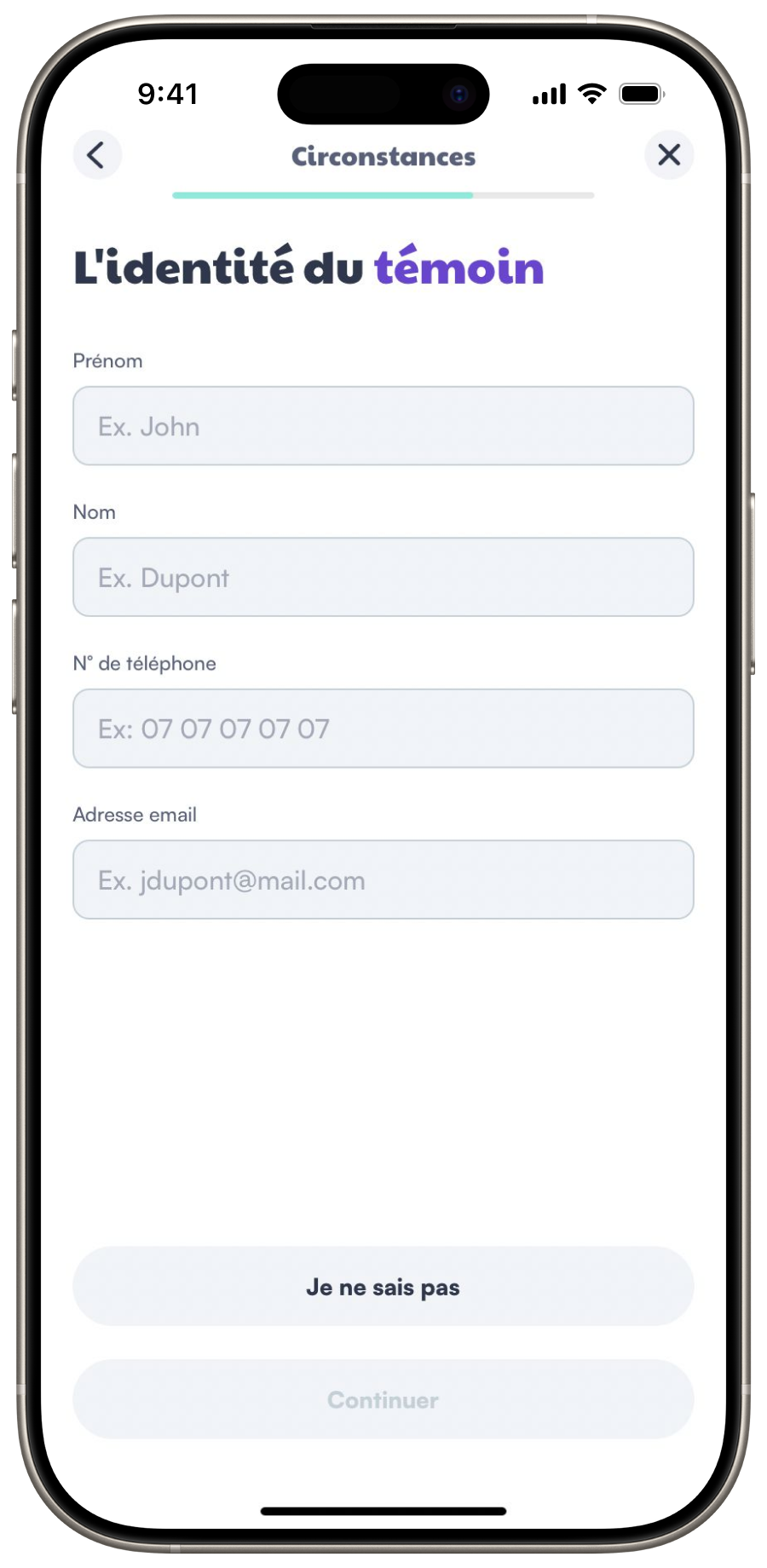
Witness Identity
A witness identity form has been created to allow customers to provide details about the potential witness.
Emergency Mode
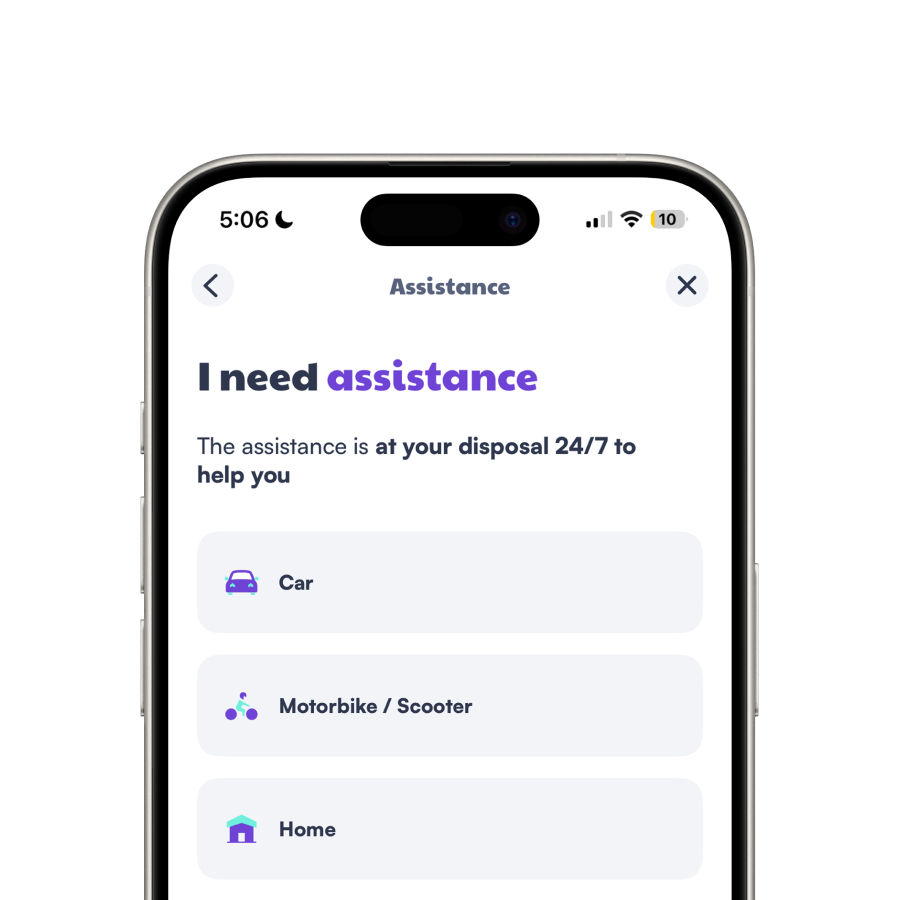
I've worked on creating an easy way to access emergency contacts and information in case of an emergency. Whether you're online, offline, logged-in or logged-out from your account, you can access the emergency mode. This is a great way to ensure that you can always get the help you need.
Contract type
selection
The first step of the emergency mode is to select the type of contract in needs of assistance. It's necessary to display the appropriate information and contacts.
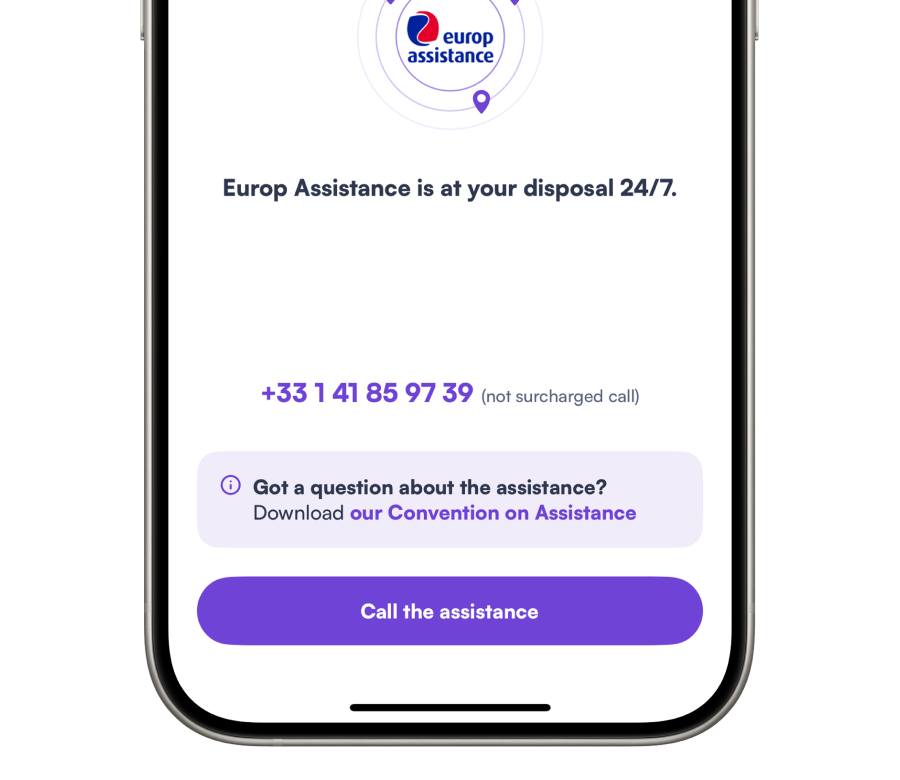
Reach out to the assistance
Once you've selected the type of contract, you can reach out to the assistance. You'll have access to the appropriate phone number and information based on your selection. You can also access the assistance convention.
Download
Download the Leocare application on your smartphone from the App Store on iOS or the Play Store on Android. Try it out now, and get a quote in less than 5 minutes!